
New Website or Fix the One You Have? How to Decide
Not every practice that wants a new website needs one. One check shows whether to fix the site you have or rebuild it.

On This Page
Quick answer: Compare how many people reach your site with how many call or book. If people arrive but do not act, fix the site you have first: the services, the phone number, the booking step. Rebuild only when the site itself is the blocker, like a site you cannot edit, services you cannot add, or a platform that will not load fast on a phone.
One of the first things practice owners tell me is that they need a new website. Sometimes they are right. More often, the site they have is a few fixes away from working, and a rebuild would cost months and a lot of money to land in the same place.
The good news is you do not have to guess. One check tells you which problem you have.
What is the one check that decides it?
Look at where visitors stop.
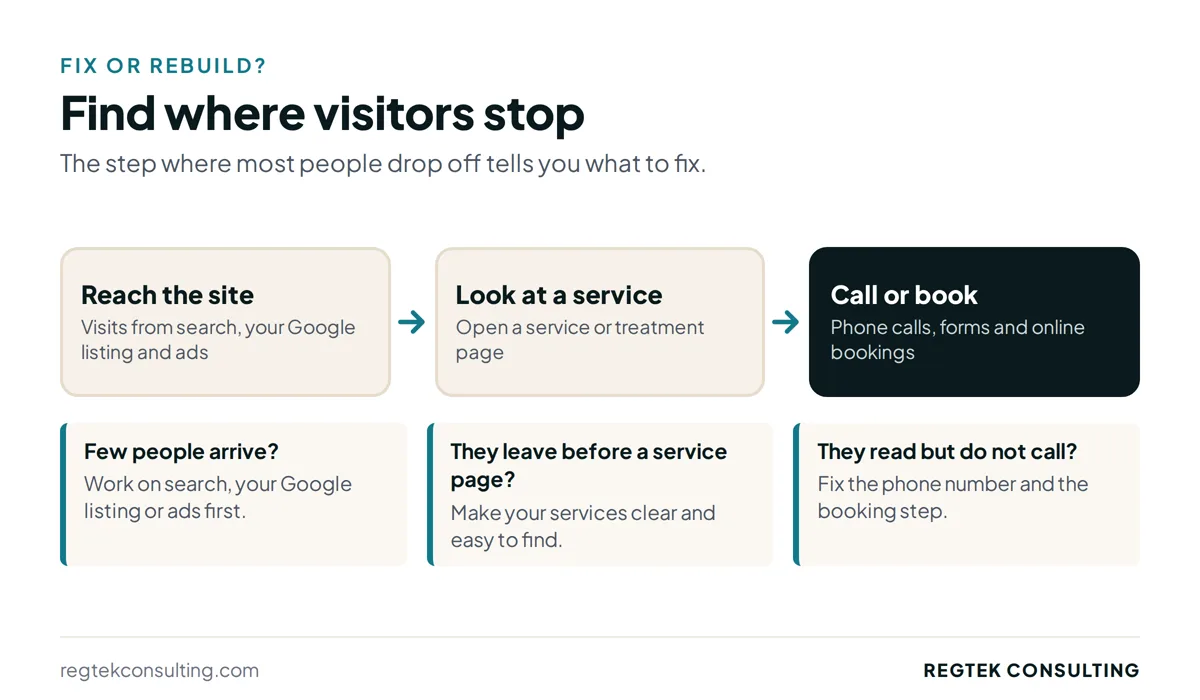
Open your analytics and your phone records for the last three months and write down three numbers:
- Visits: how many people reached the site.
- Service views: how many of them opened a service or treatment page.
- Calls and bookings: how many called, filled out a form or booked online.
Where the numbers fall off tells you what to do. If very few people reach the site at all, the website is not your first problem; that is a search, Google Business Profile or ads question. If plenty of people reach it but few call or book, the site is losing them, and the next question is whether you can fix it.
If you are not tracking calls and form fills yet, set that up first. Google's guide to recommended events in GA4 covers form submissions and other actions, and call tracking covers the phone.
When should you fix the site you have?
When people arrive but do not act, and you can still change the site.
Most of what stops a visitor is on the page, not in the design. These are the fixes I check first:
- Services are clear. A visitor can tell in a few seconds what you treat and whether you can help them.
- The phone number is easy to tap. At the top of every page on a phone, not buried in the footer.
- Booking takes a few steps, not ten. A short form or a direct booking link, with no account to create first.
- Each service has its own page. One page per service gives people, and Google, a clear answer to the question they searched.
- It loads fast on a phone. Google's Core Web Vitals are a good way to check speed and stability.
I went deeper on these in the website mistakes that cost practices patients. None of them needs a new site. They need someone to make the changes and then measure whether calls and bookings went up.
When is a new website the right call?
When the site itself is what stops you from making those fixes.
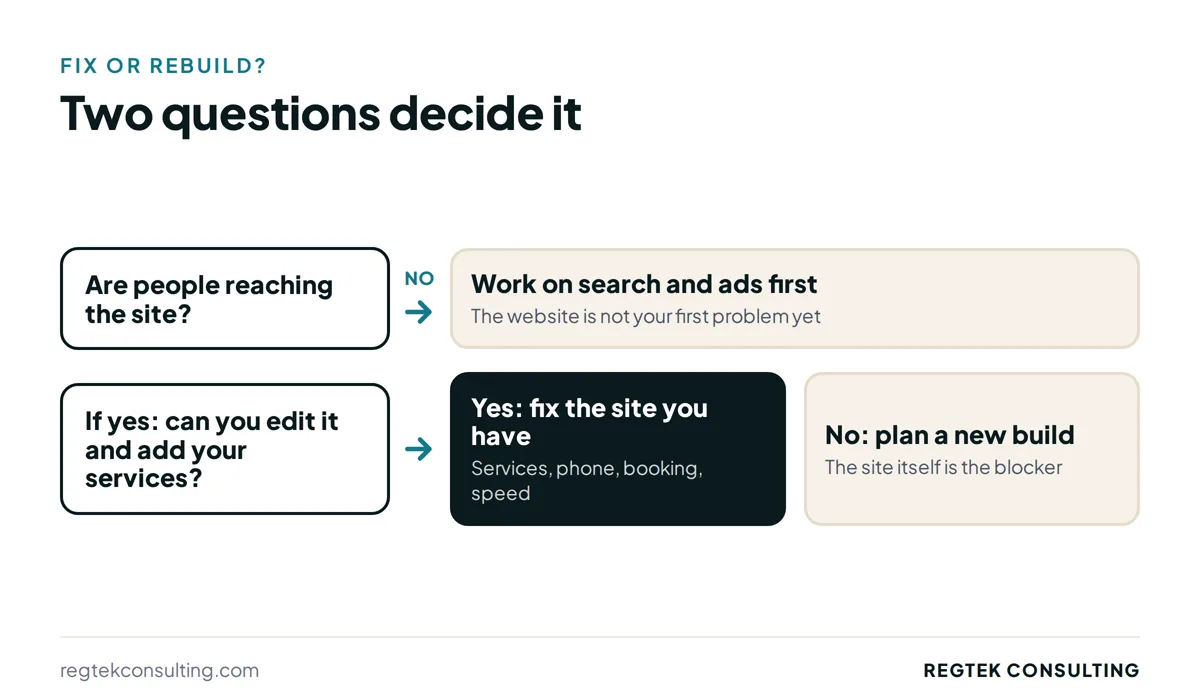
A rebuild makes sense when:
- You cannot edit it. Every change goes through someone else, takes weeks, or costs money each time.
- Your services do not fit. You cannot add a page for a new service or provider without breaking the layout.
- The platform holds you back. It is slow on a phone no matter what you change, or it cannot connect to your booking system or tracking.
- It no longer matches the practice. You moved, merged, added locations or changed what you offer, and patching the old site would mean rewriting most of it anyway.
If one of these is true, fixing the old site usually costs more over time than replacing it.
What should you check before you spend on either?
Three things, so the money goes to the real problem.
| What you see | What it means | What to do first |
|---|---|---|
| Few people reach the site | Traffic is the problem | Work on search, your Google Business Profile or ads |
| People arrive but few call or book | The pages are losing them | Fix the current site and measure calls and bookings |
| You cannot make those fixes | The site is the blocker | Plan a new build |
Whichever way it goes, decide what a win looks like before you start: more calls and bookings from the same traffic. That is the number I hold a fix or a rebuild to, and it is how I tell a client whether the work paid off. You can see how I approach both on my website design page.
If you are not sure which one your site needs, send it to me and I will tell you what I see.
Sources
Ready to see results for your practice?
30-minute strategy call. Straight to Kevin, no account managers.
Request a free 30-minute callReady to see results for your practice?
30-minute strategy call. Direct access to Kevin Dillon, who ran operations for a five-office clinic. No account managers, no pitch deck, just answers.
Request a free 30-minute callMore insights
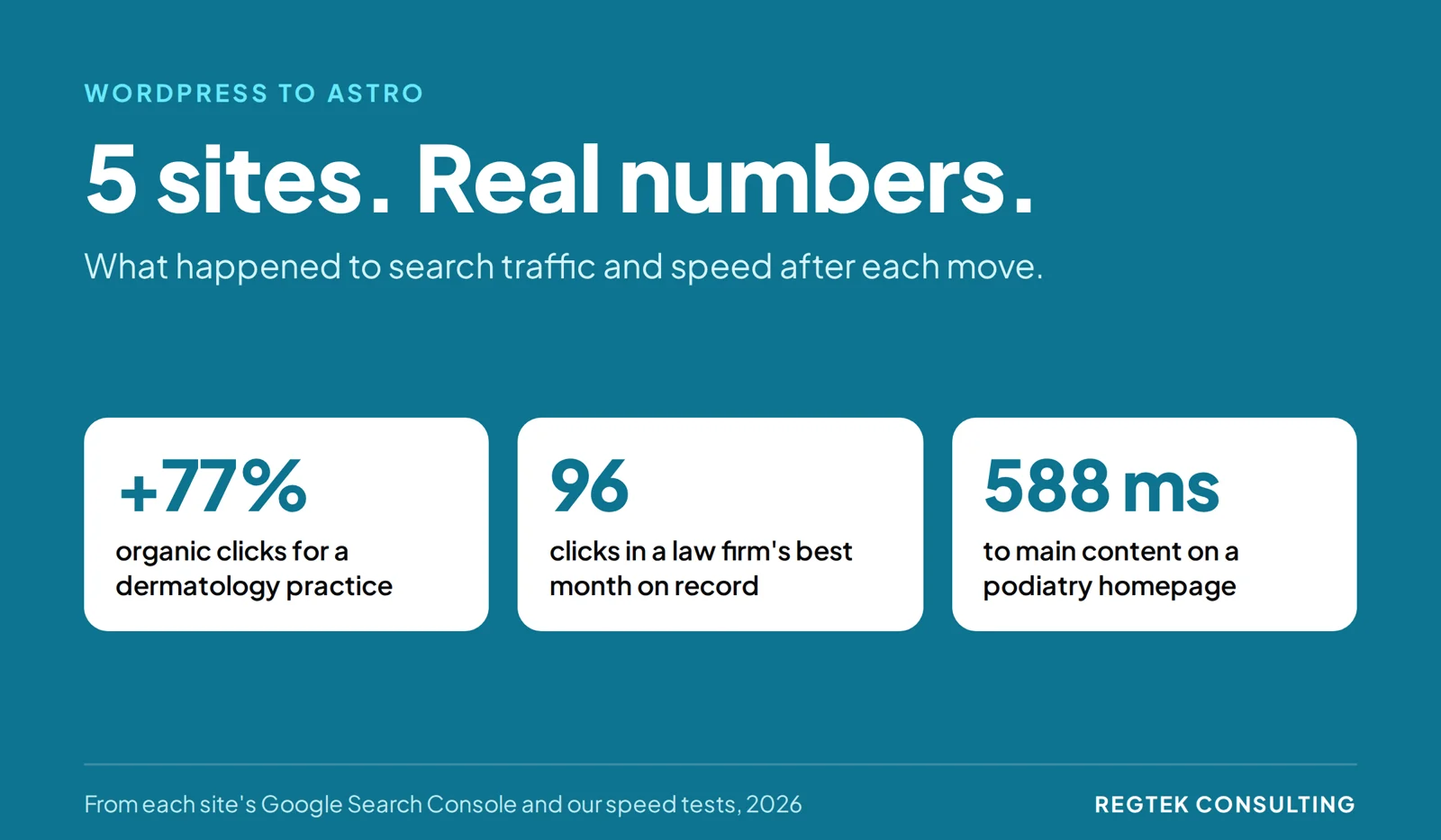
WordPress to Astro: Real Results From 5 Sites
Astro vs WordPress, with data instead of opinions: what happened to search traffic, leads and speed on five sites we moved off WordPress and Wix, and the migration steps behind the results.
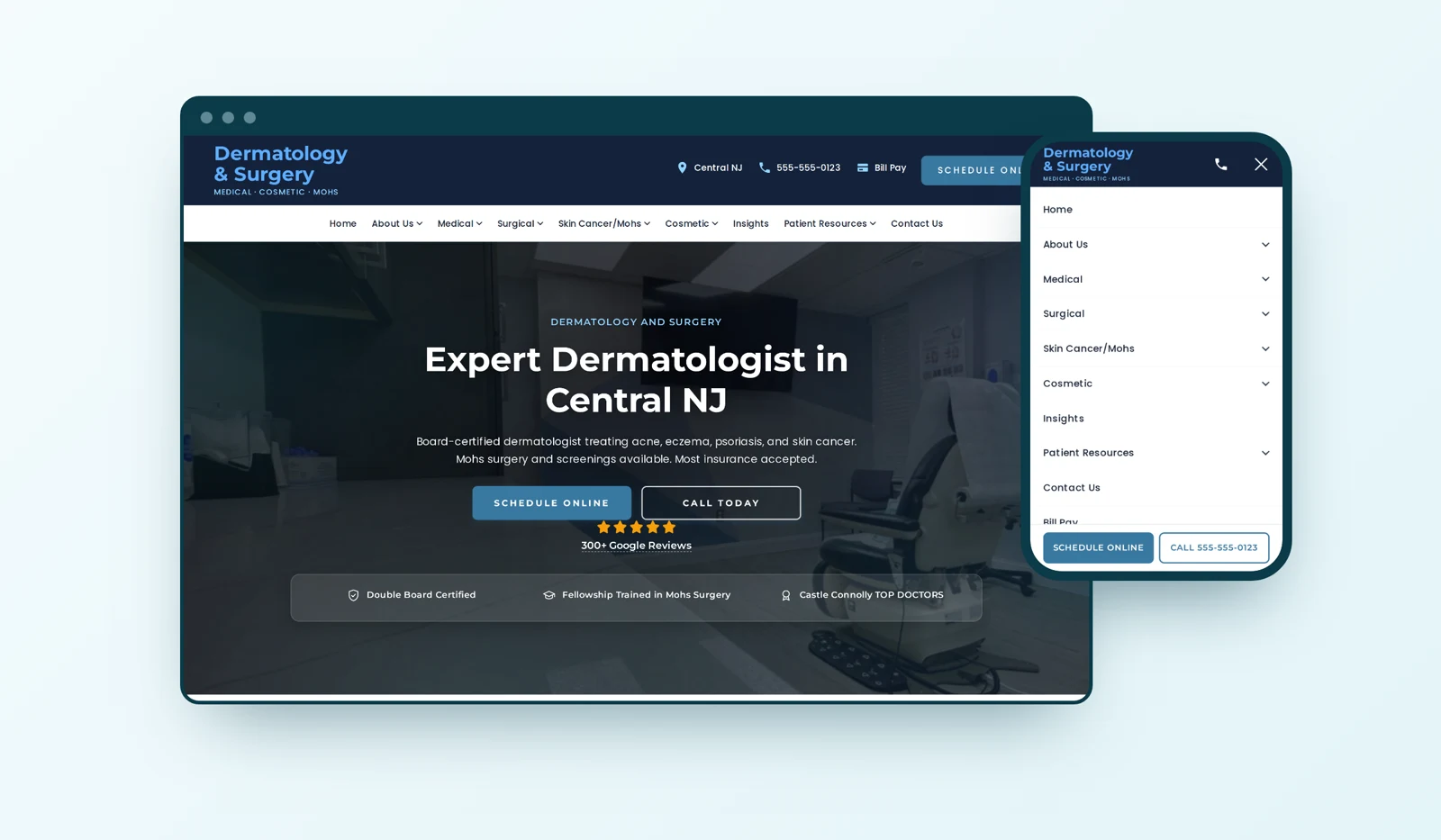
Dermatology Website Design: Why We Built It This Way
Most of the design choices on a dermatology site we rebuilt answered one question: how does a patient get from worried about a spot to a booked visit? Here is what we chose and why.

Healthcare SEO: Service Pages or Condition Pages?
Should a healthcare practice build a service page or a condition page? Use a patient-first framework to choose, link, and measure the pages that matter.