
Construction Daily Report App Case Study: One Field Hub for Reports, Safety, and Photos
We built a daily operations app for a heavy civil contractor: daily reports, safety forms, and job photos in one place, built for bad signal and connected to Microsoft 365. Here is what we built, what 780 real reports taught us, and what this case study cannot prove.
On This Page
Bottom line: We built a daily operations app for a New Jersey heavy civil contractor that puts daily reports, safety paperwork, and job photos in one place on the crews' phones. It is built for bad signal, so a dropped connection never loses typed work or photos, and it files records into the Microsoft 365 tools the office already uses. A study of 780 real reports now drives the next version. We are not claiming a measured time saving.
Most software for construction crews is built in an office, for an office. It assumes a good signal, a big screen, and someone with time to click through six tabs at the end of the day.
None of that is true on a jobsite.
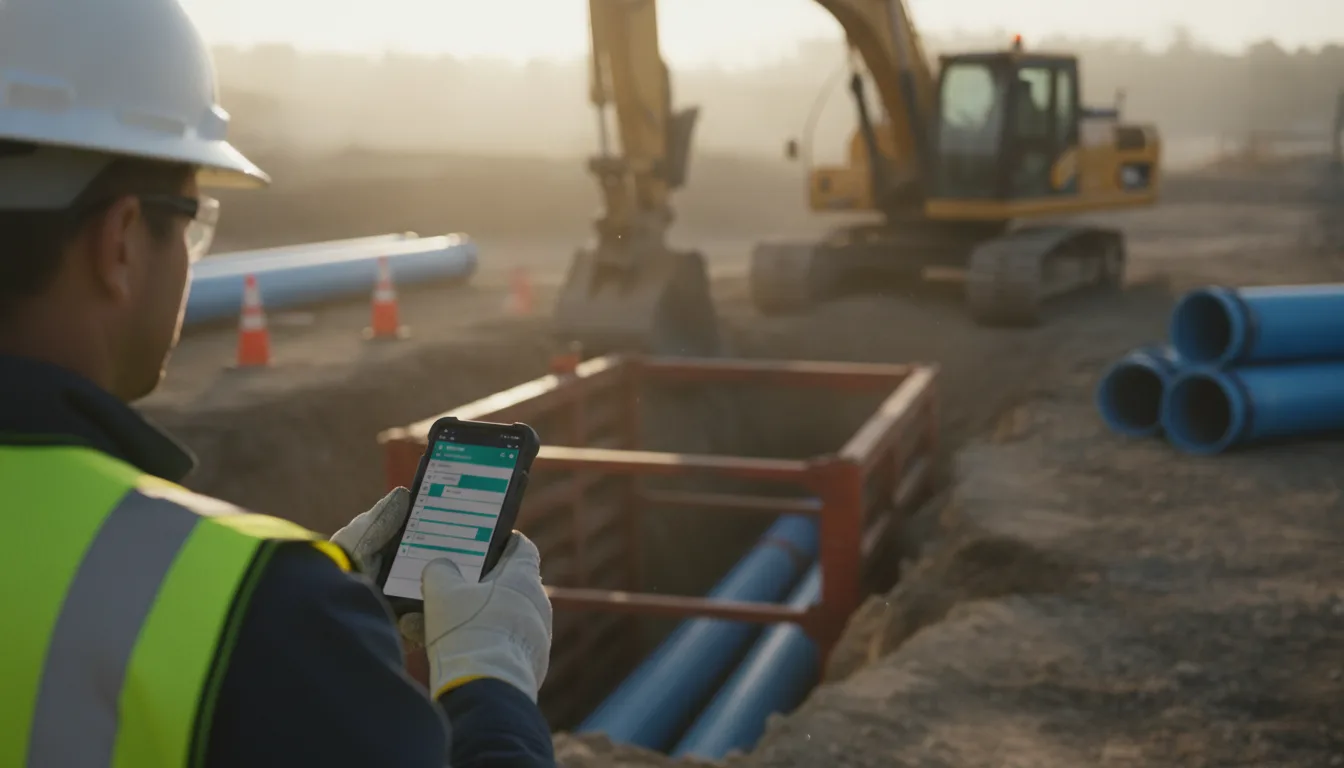
For the last 15 months we have been building and running a daily operations app for a New Jersey heavy civil contractor that works on water, wastewater, and sitework projects. It started as a way to file the Daily Operations Report, or DOR, the one-page record of who worked, which equipment ran, what got done, and how the hours split across cost codes. It has grown into the crews' field hub: daily reports, safety paperwork, and job photos in one place, on the phones they already carry.
This is how it came together, what we learned from watching real crews use it, and what this case study can and cannot prove.
The Problem: Three Kinds of Field Paperwork, Three Different Homes
Before the app became the hub, the contractor's field records lived in separate systems that did not talk to each other:
- Daily reports started on paper with the foreman, then had to be keyed in, totaled, and turned into payroll and job cost numbers.
- Safety forms were filed through Microsoft Forms. Thousands of submissions piled up in lists that were hard to review by job or by day, and harder to hand to an inspector as one clean package.
- Job photos uploaded from foremen's phones into a personal camera-roll folder that someone in the office had to sort by hand into the right project folder.
Each one worked well enough on its own. Together, they meant the office spent its time chasing, re-typing, and filing instead of running jobs.
The goal was never "replace everything." It was to give each record one home, built around how the crews actually work, and connect it to the systems the office already trusted.
What We Built
| Piece | What it does | Who uses it |
|---|---|---|
| Daily Operations Reports | Crew hours, equipment, subcontractors, weather for the job's location, and work notes by phase and cost code. Drafts, submit, and an office unlock for corrections. | Supervisors and the office |
| Reports and exports | Payroll, job cost, overtime, equipment use, weekly submissions, and batch PDF export of daily reports. | The office |
| Safety forms | One safety packet per job, per day, per foreman, including the full history from Microsoft Forms. Editable until midnight, then locked. A status board shows which jobs are missing paperwork. | Supervisors and admins today, foremen as the rollout continues |
| Field photos | Photos taken in the app file themselves into the right job folder in the company's existing SharePoint, sorted by date. | Supervisors and admins today, foremen next |
A few design decisions did most of the work.
Supervisors only see their own jobs
Every supervisor is assigned to specific jobs and sees only those. Admins see everything. That sounds like a small permission rule, but it keeps screens short on a phone and keeps payroll and job data where it belongs.
The lock is a rule, not a reminder
Safety paperwork for a given day stays editable until midnight in the company's time zone. After that it locks, and only an admin can reopen it. No one has to remember to close anything. The app checks the deadline on every request, so the rule holds even when the server has been idle all night.
One PDF for the inspector
When an inspector, general contractor, or insurer asks for a job's safety history, the office can export a single PDF: a cover sheet listing every day on the job, then each day's forms and photos in order. If a photo is missing, the PDF says so in its place instead of leaving a silent gap.
Built for Bad Signal
This is the part most off-the-shelf tools get wrong. Water and sewer work happens in trenches, pump stations, and treatment plants, which are not places with great coverage.
We designed every form around one question: what happens when the connection drops halfway through?
- Nothing typed is lost. If a daily report fails to save because of a dropped connection, a rejected value, or someone else editing the same report, the form keeps everything that was entered. The app only moves on once the server confirms the save.
- Photos go up one at a time, ahead of the form. A safety form with ten photos used to be one large upload, and one bad moment killed all of it. Now each photo uploads the moment it is picked, and a retry after a lost response does not store the same photo twice.
- Field photos wait on the phone. Photos are compressed and queued on the device, then uploaded when the signal allows. If one photo will not go, it does not hold up the rest. Our server never stores the image itself; it goes straight to the company's SharePoint.
- A stale screen cannot overwrite newer work. If a report was changed after you opened it, your save is refused with a clear message, instead of quietly wiping out someone else's hours.
None of this is visible when it works. That is the point.
Connecting to What the Office Already Uses
We did not ask the contractor to abandon Microsoft 365. The app works with it.
Safety history came along, and keeps coming. The app reads the existing Microsoft Forms lists on a five-minute cycle. All 4,897 historical source records were checked against Microsoft's full field data, and they matched with no missing or extra records. Older answers are preserved exactly as they were filed, rather than reshaped to fit a new form.
Photos land where people already look. Each job links to its folder in the company's SharePoint project library. Folder names had drifted over the years (the same job spelled two or three ways in different places), so the app never guesses. It suggests a likely folder and an admin confirms the link once. From then on, every photo files itself under the job, by month and day, with the date, time, and person in the file name.
On one of the first live field days, one person in the field filed 37 photos from a single job, and nobody in the office had to sort any of them.
Letting Real Usage Drive the Next Version
After the app had a real track record, we studied 780 submitted daily reports to see how crews actually fill them out. A few numbers stood out:
- The average report covers 4.7 crew members across 1.8 cost codes.
- Crew lists repeat from the previous report on the same job 83% of the time. Equipment repeats 90% of the time.
- About half of all reports have identical hours on every row.
- Vacation hours appeared on 5 rows in the whole history. One field on the form had never been used at all.
That tells us where the time goes. Most of a supervisor's effort is re-entering the same crew, the same equipment, and the same hours they entered yesterday. The next version of the daily report form is designed around that: start from yesterday, set the whole crew's hours in one row, and keep notes attached to the cost code they describe. It is mocked up and parked for now while the photo rollout settles, and we will build it as an opt-in switch over the same form so nobody is forced to relearn their routine overnight.
That is the advantage of owning the software. When the data says a field is dead weight, you can remove it.
Changing It When the Work Changes
Field work does not stay still, and neither can the software. Two recent examples:
One job, several locations a day. An emergency repair contract needed more than one daily report on the same day, one per location. The app assumed one report per job per day. We added optional sub-jobs: the office switches them on for that job, and supervisors add a location right from the report form only on days when they need it. Totals still roll up to the parent job, and the submission rate counts days, so a job with three reports in a day reads 100% instead of 300%. Every other job works exactly as before.
A trailing space. On the first real field test of the photo feature, uploads for one job failed with "That job no longer exists." The cause was a job number saved with an invisible space at the end. We fixed the lookup that day, and the photos already waiting on the foreman's phone filed themselves on the next try. Nothing had to be retaken.
The app is now on version 1.22, with more than 900 tracked changes since the first build in July 2025. Each release ships with a plain-English "What's New" note inside the app, so the office always knows what changed and why.
What This Case Study Does Not Prove
We want to be straight about the evidence.
- We did not run a before-and-after time study, so we are not claiming a specific number of hours saved per week.
- We are not claiming payroll accuracy, cost, or safety outcome improvements. The app records what crews enter; it does not measure what would have happened without it.
- The usage figures come from one company's submitted reports. Another crew, trade, or region will look different.
- Foremen still fill out the daily report on paper today, and supervisors enter it. Safety forms are still filed mainly through Microsoft Forms and synced in; moving filing fully into the app is a later step. Foreman logins for photos are rolling out now.
What we can show is a working system in daily production use, connected to the tools the company already pays for, and shaped by how its people actually work. The client is kept anonymous here.
Is Custom Software Right for Your Business?
Not always. If an off-the-shelf tool fits how your team works, use it. Custom software earns its keep when:
- Your team re-types the same information into two or more systems every day.
- Your work happens somewhere the usual tools struggle, like a jobsite, a clinic floor, or a front desk between patients.
- You need your records to land in systems you already use, not in yet another login.
- You want to change the tool when your process changes, without waiting on a vendor's roadmap.
That applies as much to a medical practice's front desk as it does to a construction crew. The pattern is the same: find the work people repeat, give each record one home, and build for the conditions people actually work in.
If that sounds like your team, take a look at our AI and automation work, or book a free consultation and we will walk through the one workflow worth fixing first.
Ready to see results for your practice?
30-minute strategy call. Direct access to Kevin Dillon, an operator who's scaled healthcare businesses to Inc 5000. No account managers, no pitch deck, just answers.
Book a Free ConsultationMore Tips & Tricks

Podiatry Google Ads Case Study: 835 Patient Actions at $26 Each
An anonymized sole-provider podiatry practice used separate Google Ads campaigns to control demand across two offices, generating 835 tracked new patient actions at a $26.06 blended cost per action.
Healthcare Website Redesign: How One Practice Tripled Local Search Clicks
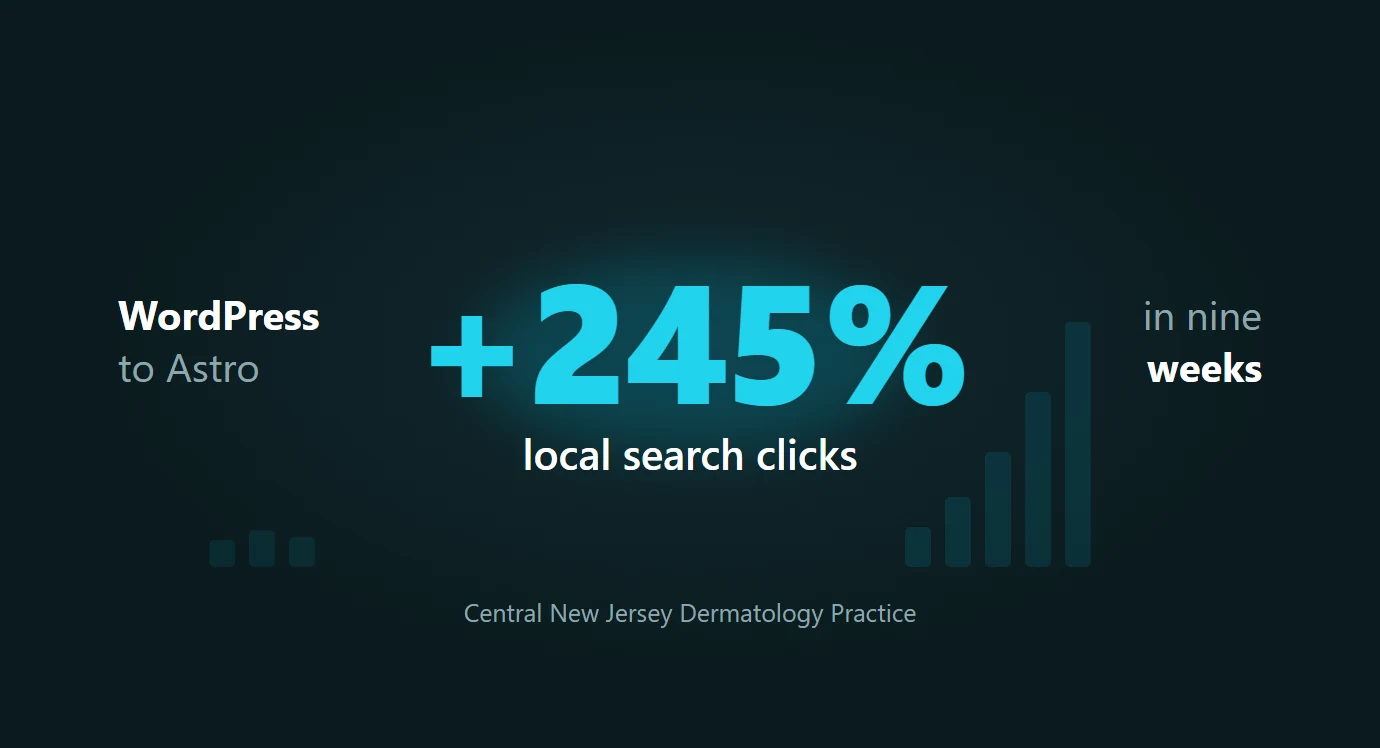
A central New Jersey dermatology practice was a subfolder on a WordPress domain it shared with a sister podiatry practice. Nine weeks after its redesign launched on a dedicated site, organic clicks were up 77% and local search clicks had tripled. Here is the full data from both Search Console properties.

What Should Dermatology Leads Cost? How One Practice Achieved $27 Per Lead
Dermatology lead cost is one of the most common questions practice owners ask about Google Ads. Are you overpaying? Is there room to improve? Or is this just what patient acquisition costs these days? Here’s a real…